apple iOS logo

Request & activate new eSIM

You can request and activate a new eSIM through my.plan.
Simply follow the instructions below to create a plan.com profile that gives you direct access to our data services.

Setting up your eSIM APN

Step 01

Before you start, make sure your phone is switched on and connected to the Internet.

Step 02

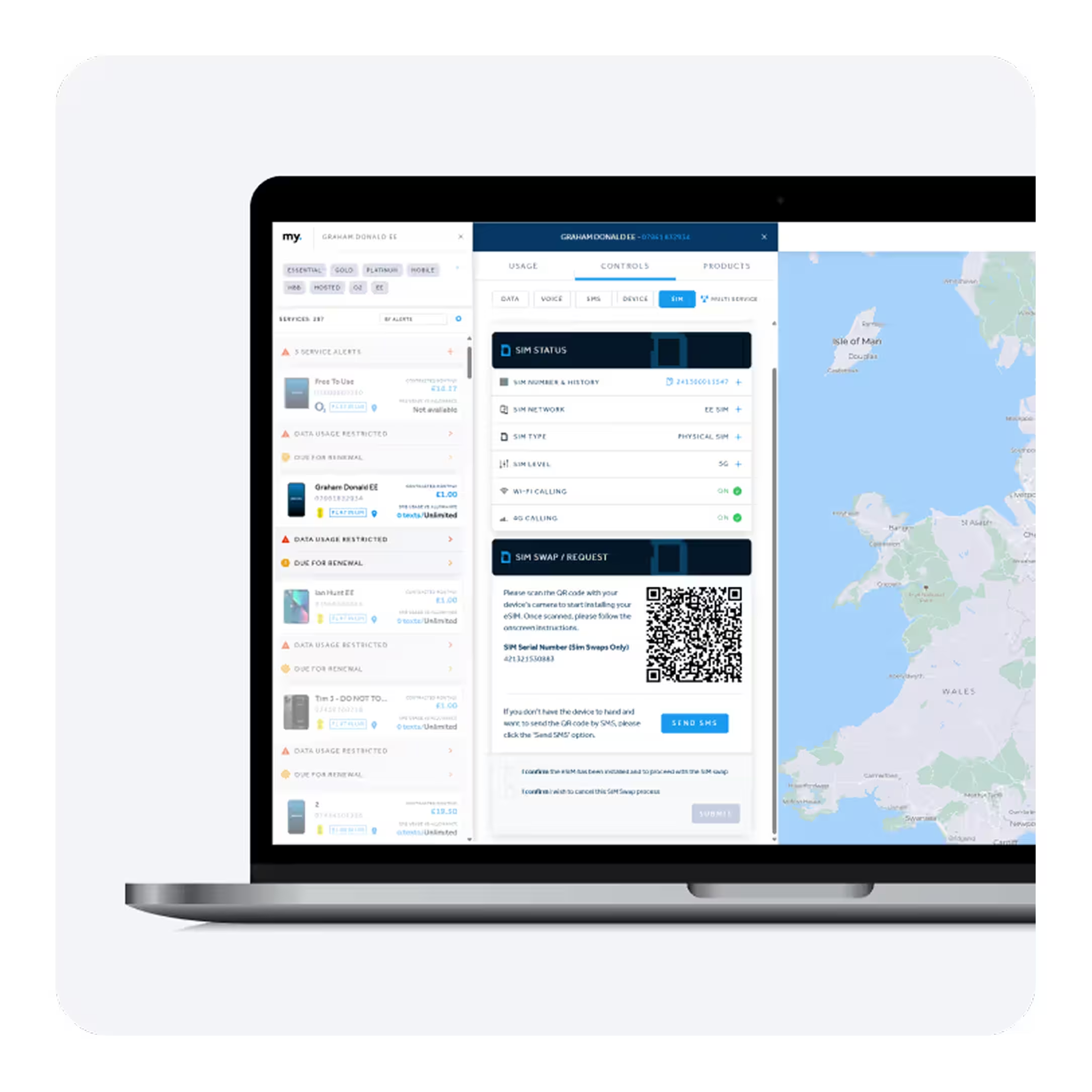
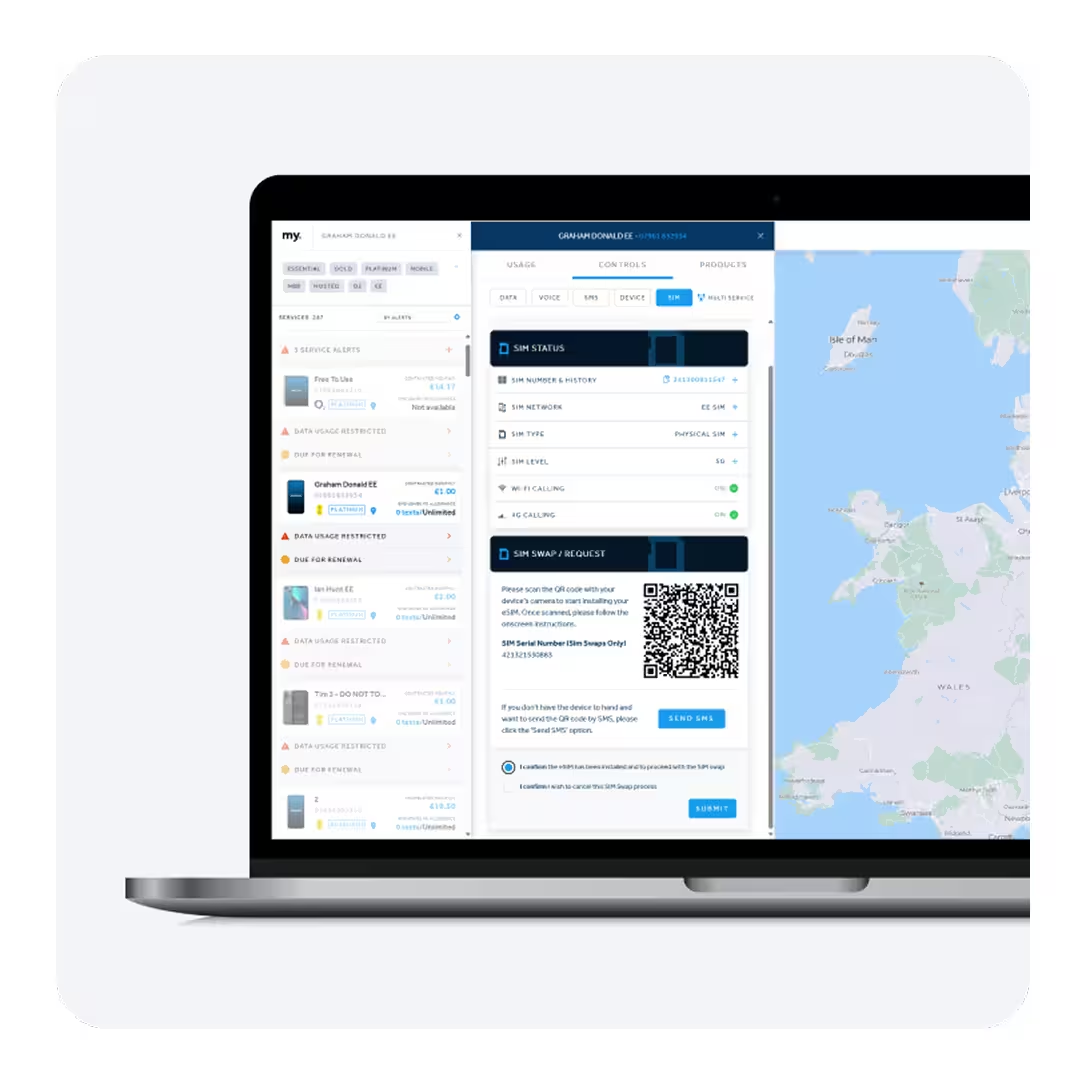
Log in to my.plan, select your device from within the service panel and go to the ‘CONTROLS’ tab > SIM.

Step 03

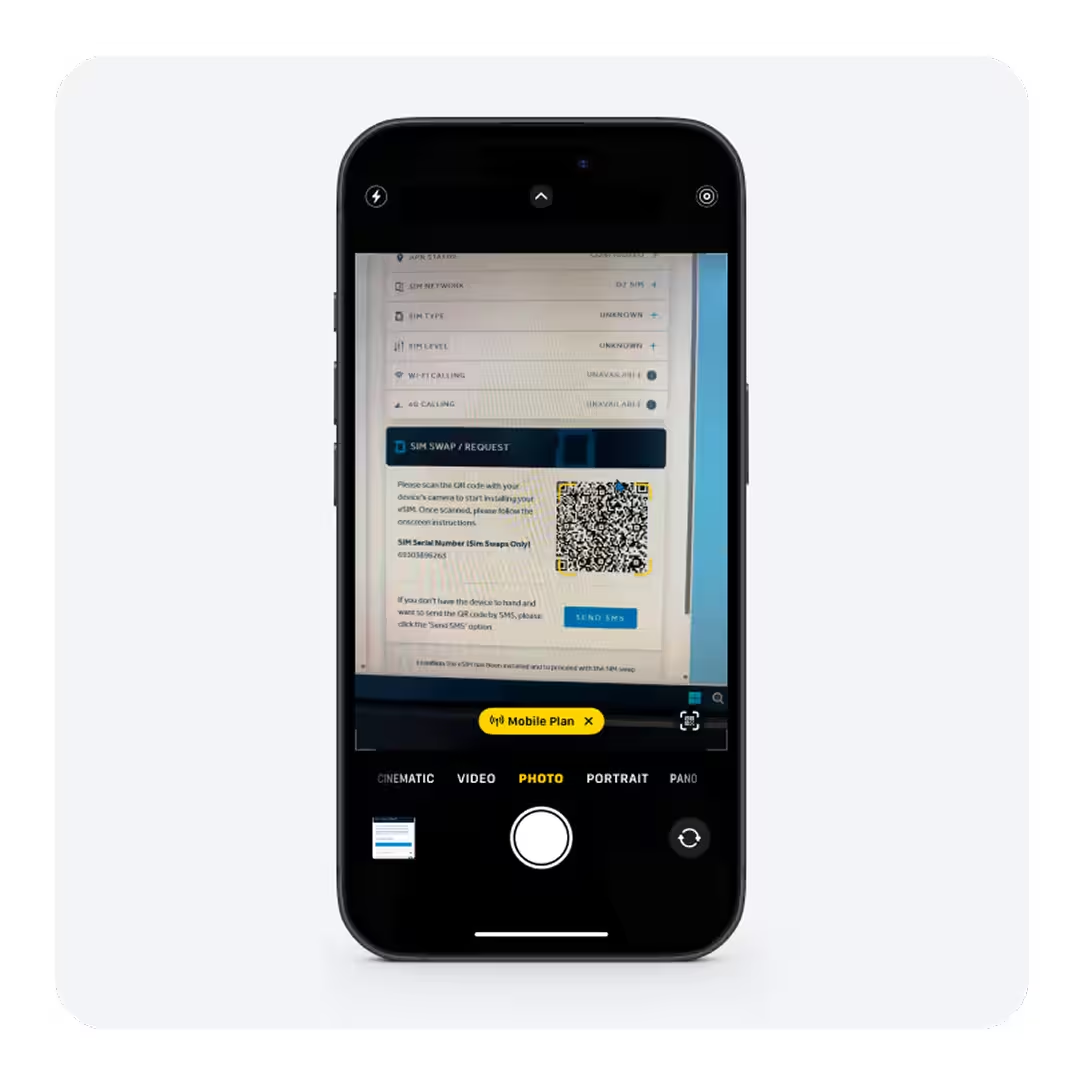
Scroll down to SIM SWAP / REQUEST and scan the QR code with your device’s camera to start installing the eSIM. If you don’t have the device to hand, click SEND SMS to receive the link via text.

Step 04

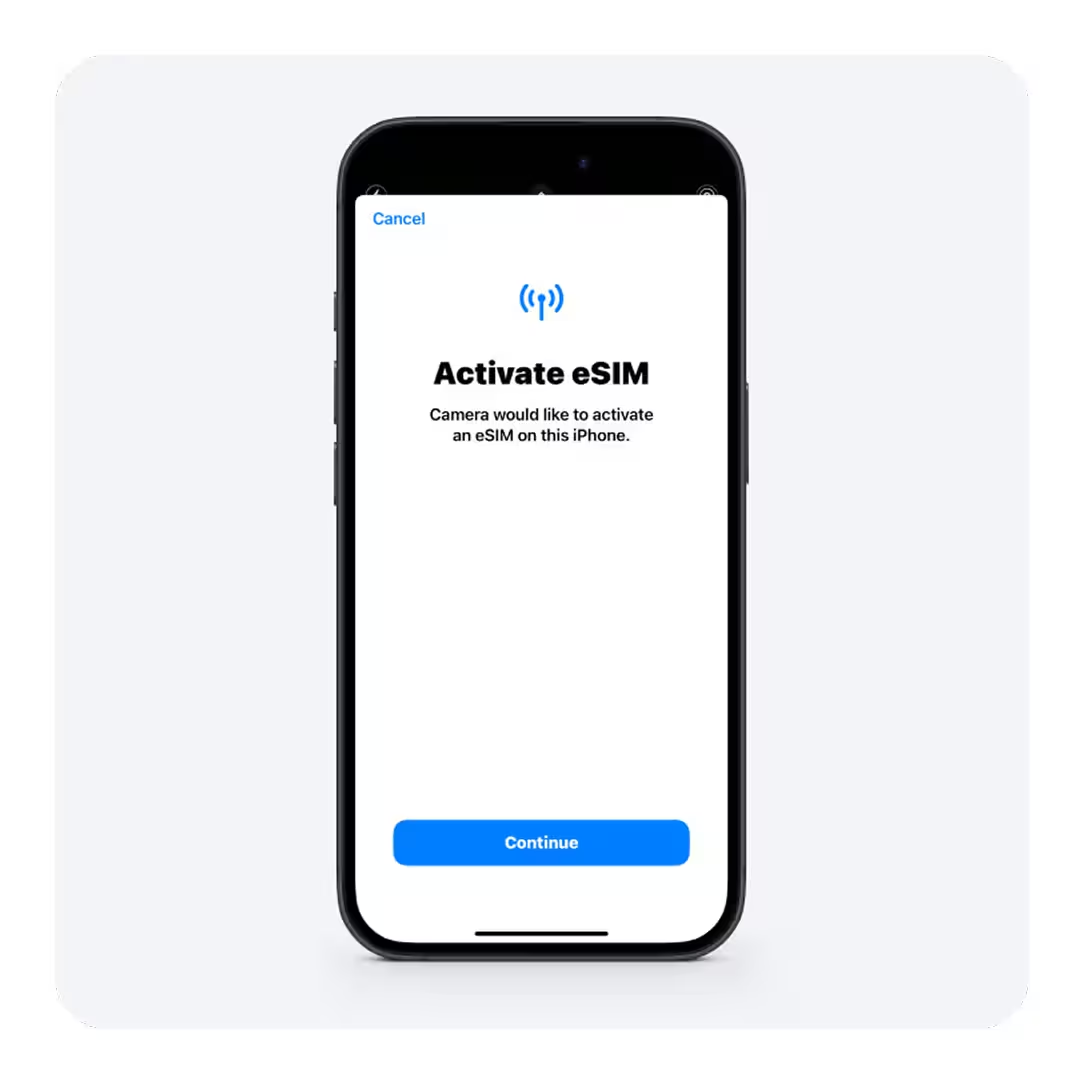
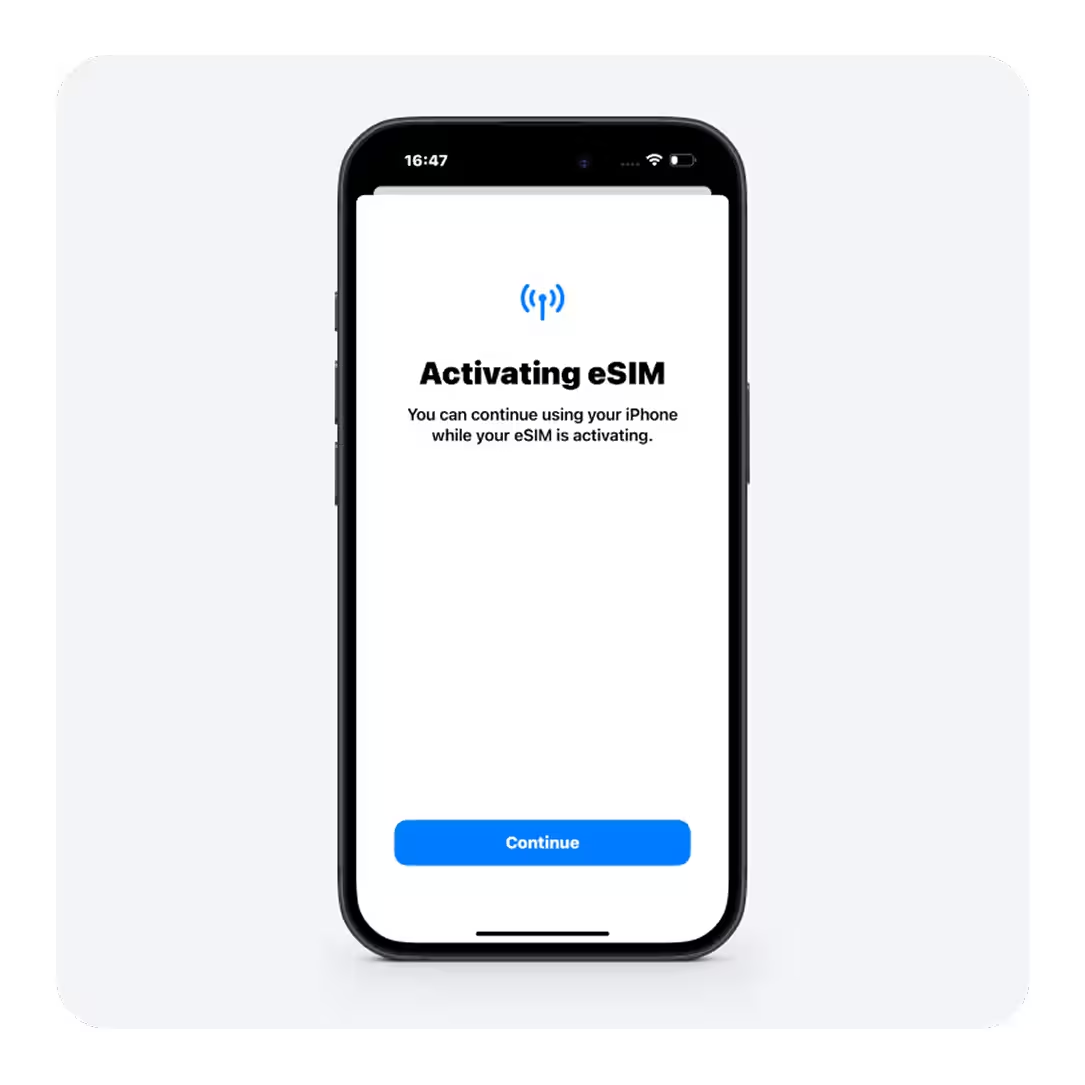
Press ‘Continue’

Step 05

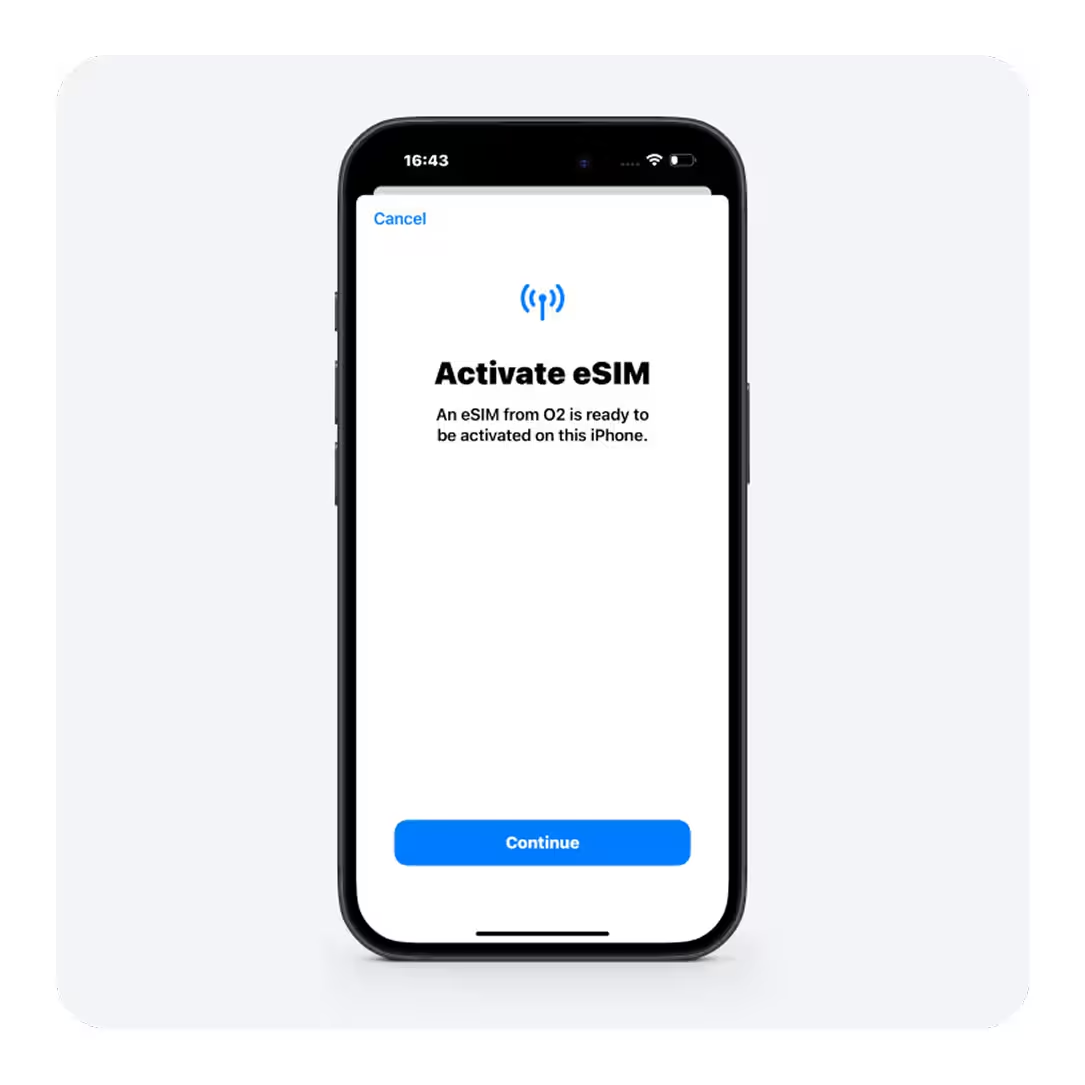
Press ‘Continue’ to begin activating your eSIM.

Step 06

Press ‘Continue’ to continue using your device while the eSIM is activating.

Step 07

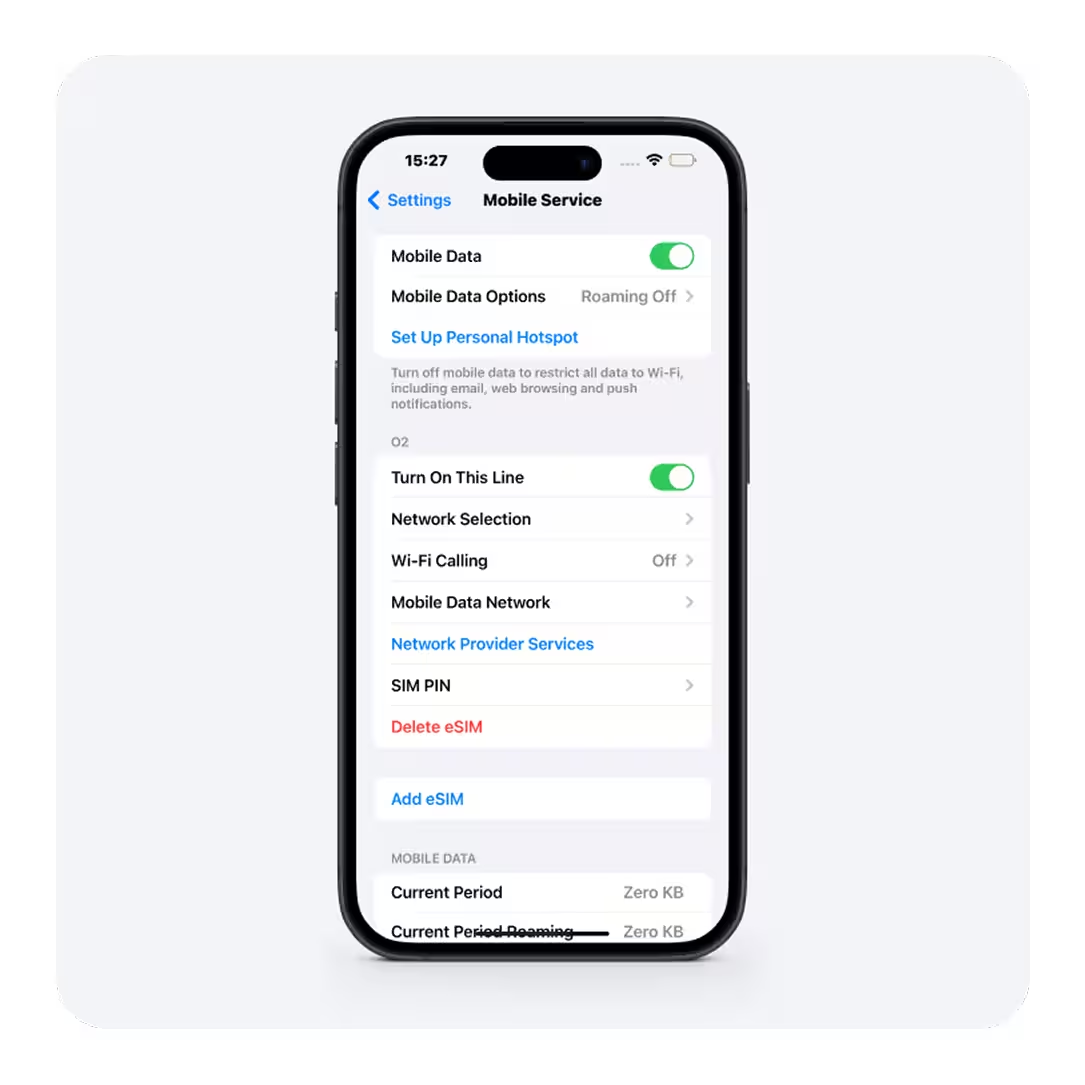
Once activated, the eSIM will appear in your Mobile ServiceSettings.

Step 08

Go back into my.plan > CONTROLS > SIM and select ‘I confirm the eSIM has been installed and to proceed with the SIM swap’, and press ‘SUBMIT’.

1 / 16

talk to us

Experience how our powerful platform can transform your business.